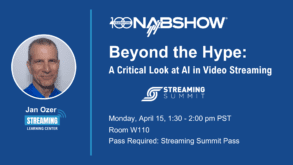
I help companies train new technical hires in streaming media-related positions; I also help companies optimize their codec selections and encoding stacks and evaluate new encoders and codecs.
I am a contributing editor to Streaming Media Magazine, writing about codecs and encoding tools. I have written multiple authoritative books on video encoding, including Video Encoding by the Numbers: Eliminate the Guesswork from your Streaming Video (https://amzn.to/3kV6R1j) and Learn to Produce Video with FFmpeg: In Thirty Minutes or Less (https://amzn.to/3ZJih7e).
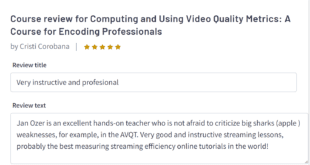
I have multiple courses relating to streaming media production, all available at https://bit.ly/slc_courses.
I currently work as www.netint.com as a Senior Director in Marketing.
 Streaming Learning Center Where Streaming Professionals Learn to Excel